Setup & Help
Get your league ready for draft night.
Watch the walkthrough, then use the guide below to set up your league, claim teams, and go live. Most questions are answered here — anything else, come find us on Discord.
The two ways to claim teams
Everyone claims their own
Each league member clicks your join link, makes a free account, connects their Sleeper ID, and claims their team. Once claimed, they design their helmet and set their team name.
Best when your league is hands-on
You set them up
As the owner, design and assign teams for members straight from your league dashboard. Build the team, name it, give it a helmet — no action needed from them.
Best for less tech-savvy leagues
Nobody gets left out. Even if a team is never claimed, we automatically build a helmet from that person's existing Sleeper avatar — pulling it onto the side of the helmet and generating team colors around it. Every team shows up looking sharp on draft night, claimed or not.
Make it yours
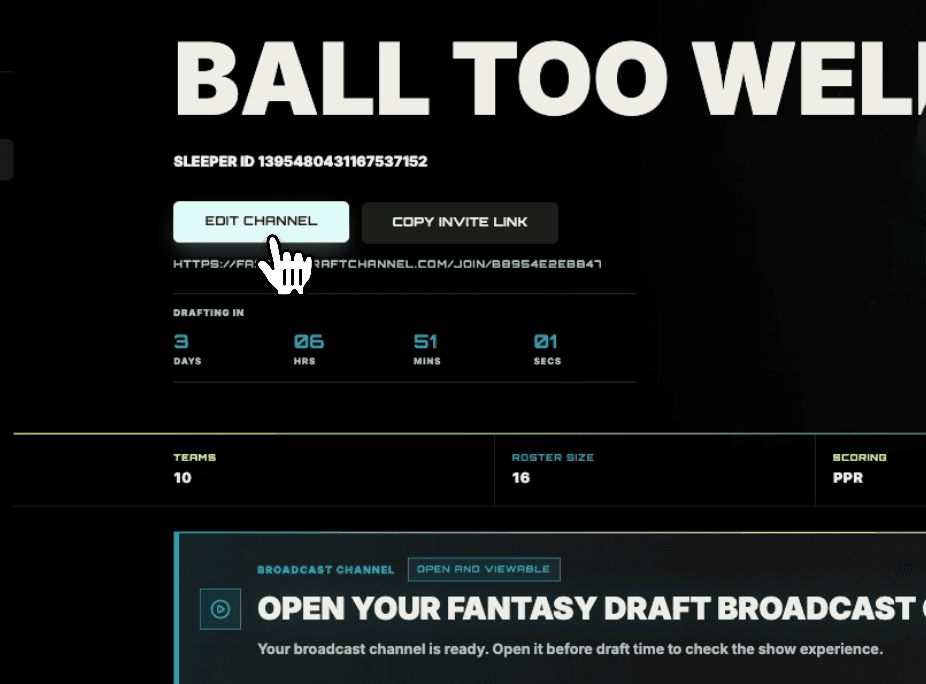
Add your league superlatives
Give Finn and Blake something to hand out. Head into your channel and hit Edit Channel — that's where you pick your league superlatives from a set of preset categories. Finn and Blake work them into the broadcast, so your league gets its own awards called out live on draft night.
Owners only · Edit Channel
Draft night, in order
The go-live sequence.
Run your pre-broadcast checklist
Open your league and hit Open Channel. Work through the checklist to confirm everything's up to date before you go live.
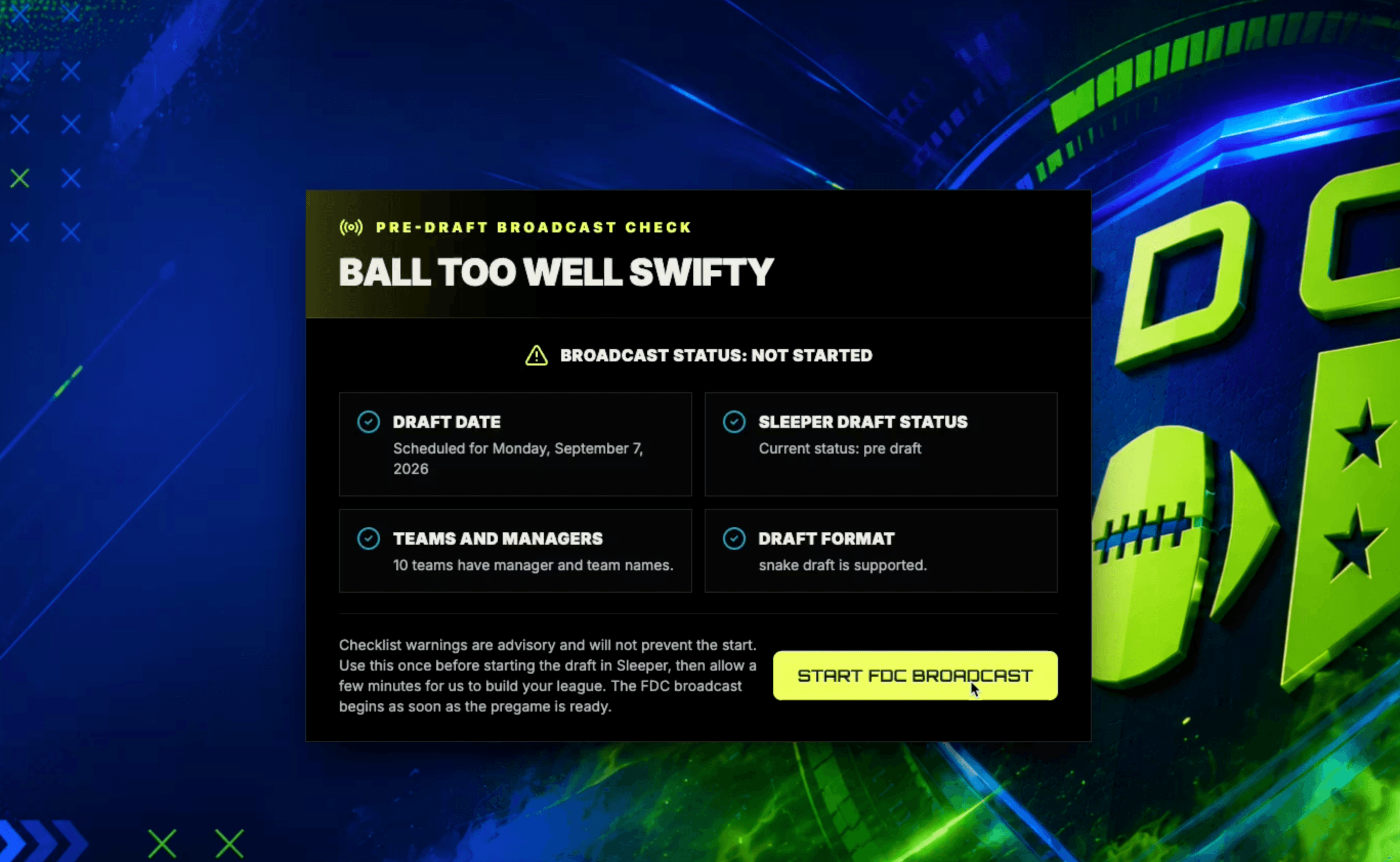
Open your channel
After all the details for your league are locked in (helmets/logos in our system or Sleeper data like draft order and team names) this is where you generate your pregame show with Finn and Blake, then it takes you into the broadcast. Open it a few minutes early to catch the pregame.
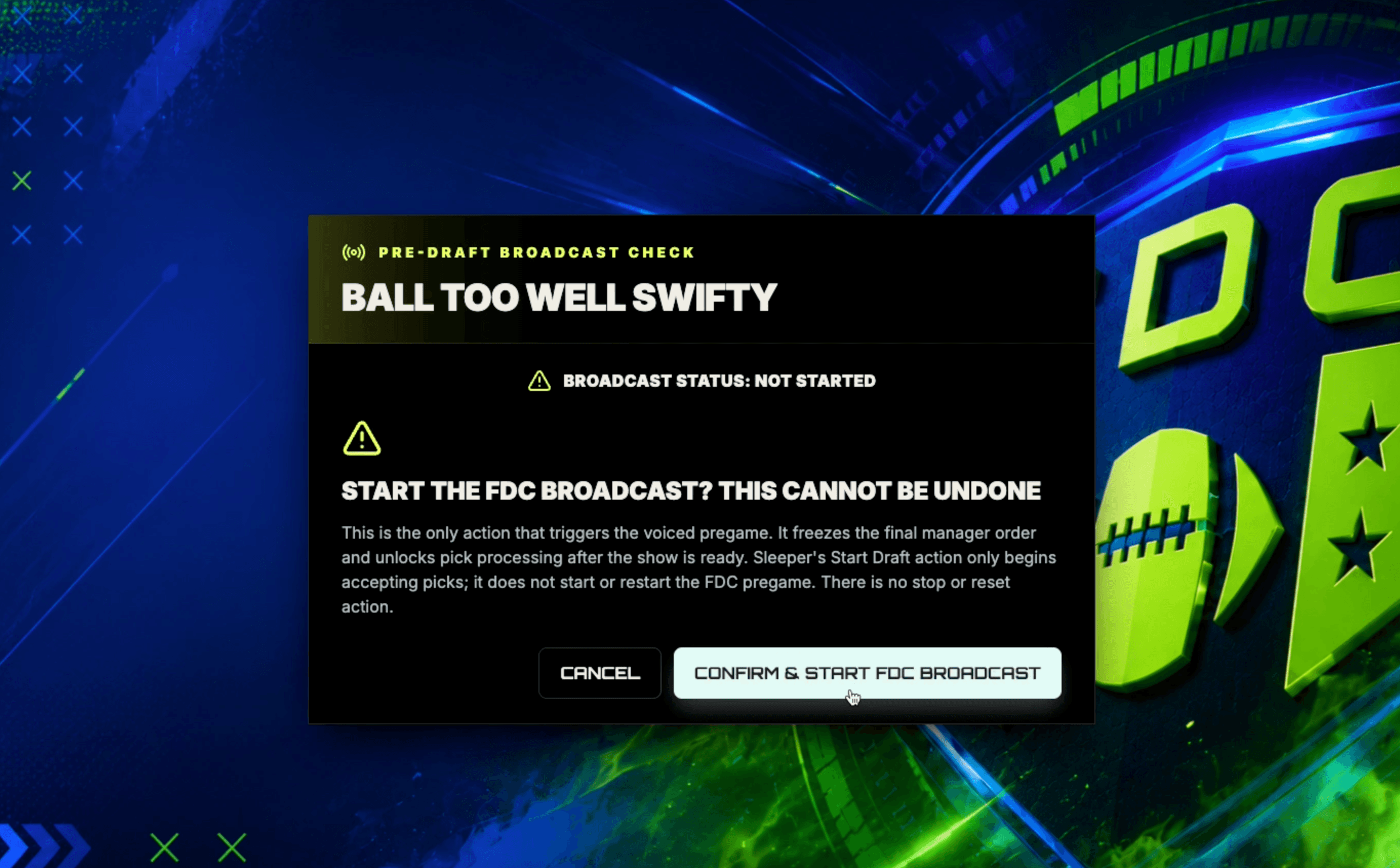
Start the draft in Sleeper
Start your draft inside Sleeper. This is the data that our broadcasters follow as the picks come in.
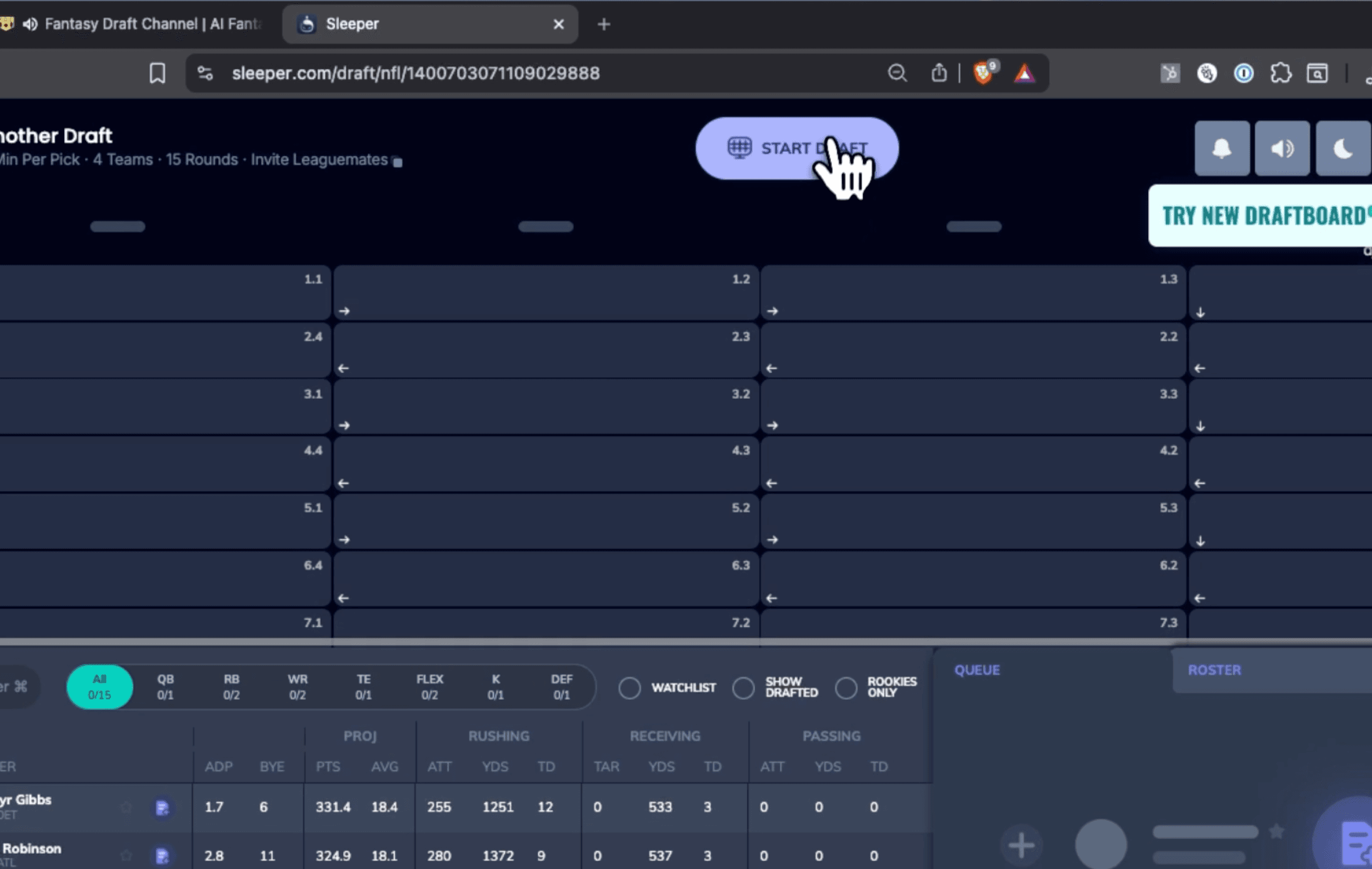
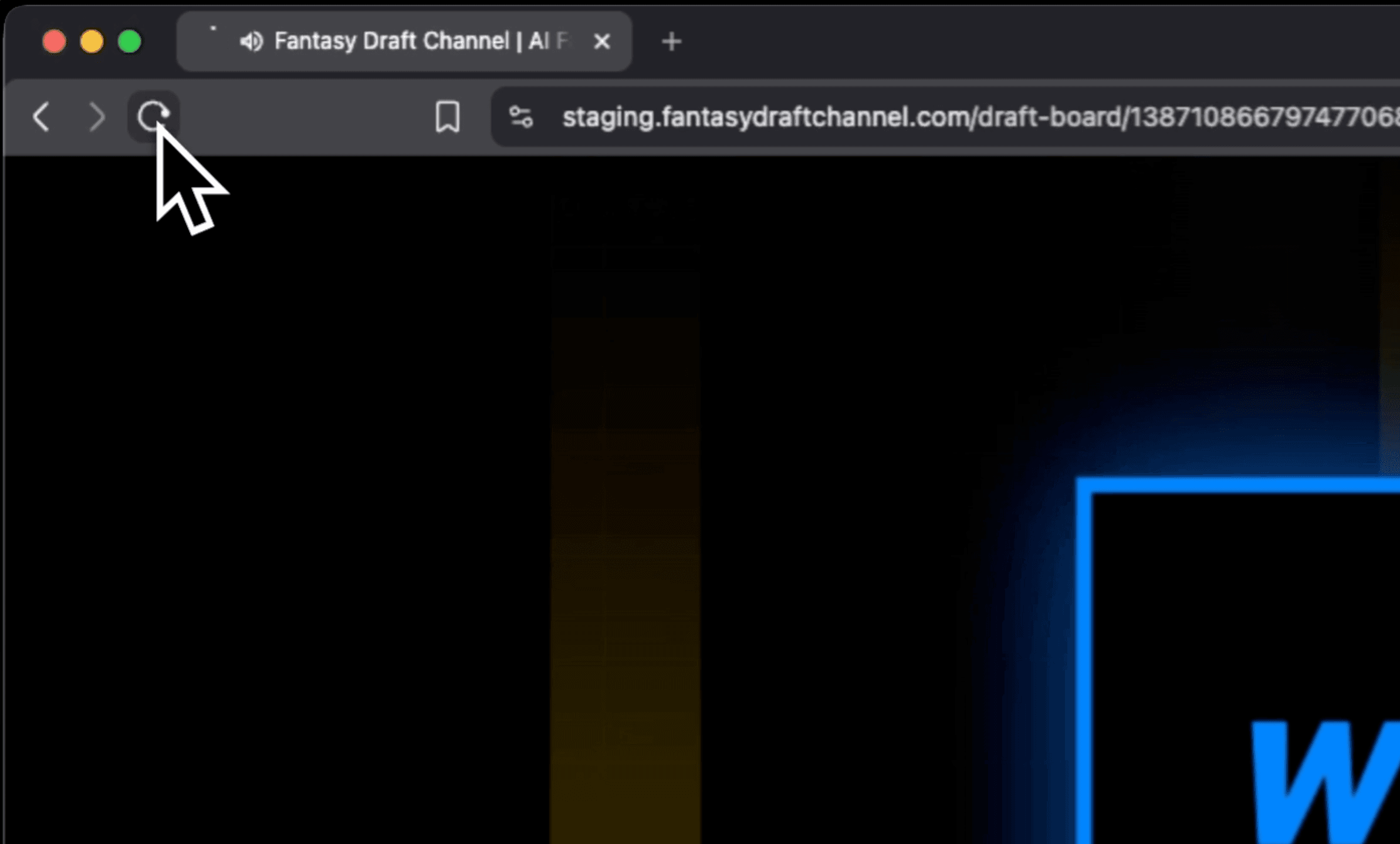
Refresh anytime to catch up
The broadcast may lag slightly behind live picks since both Blake and Finn announce and provide commentary on each pick (we don't want to cut any analysis short). Any time it falls too behind for your liking, refresh your browser and it jumps to the pick you're actually on.
Questions, answered.
Getting set up
Ownership & teams
Draft night
Troubleshooting
Still stuck?
We'll get you ready before kickoff.
The fastest way to reach us is Discord — we're in there live during draft season. Come tell us your league name and what you're seeing, and drop a screenshot if you've got one. Prefer email? That works too.